Can I make workshop passes from Google Forms data?
Yes. Export the responses or linked Google Sheet as CSV, then map the columns onto a pass design.
Spreadsheet workshop passes
Batch, Please turns registration spreadsheets into printable passes for workshops, classes, camps, training days, and sessions. Map participant names, session titles, times, rooms, and pass numbers onto your pass design.
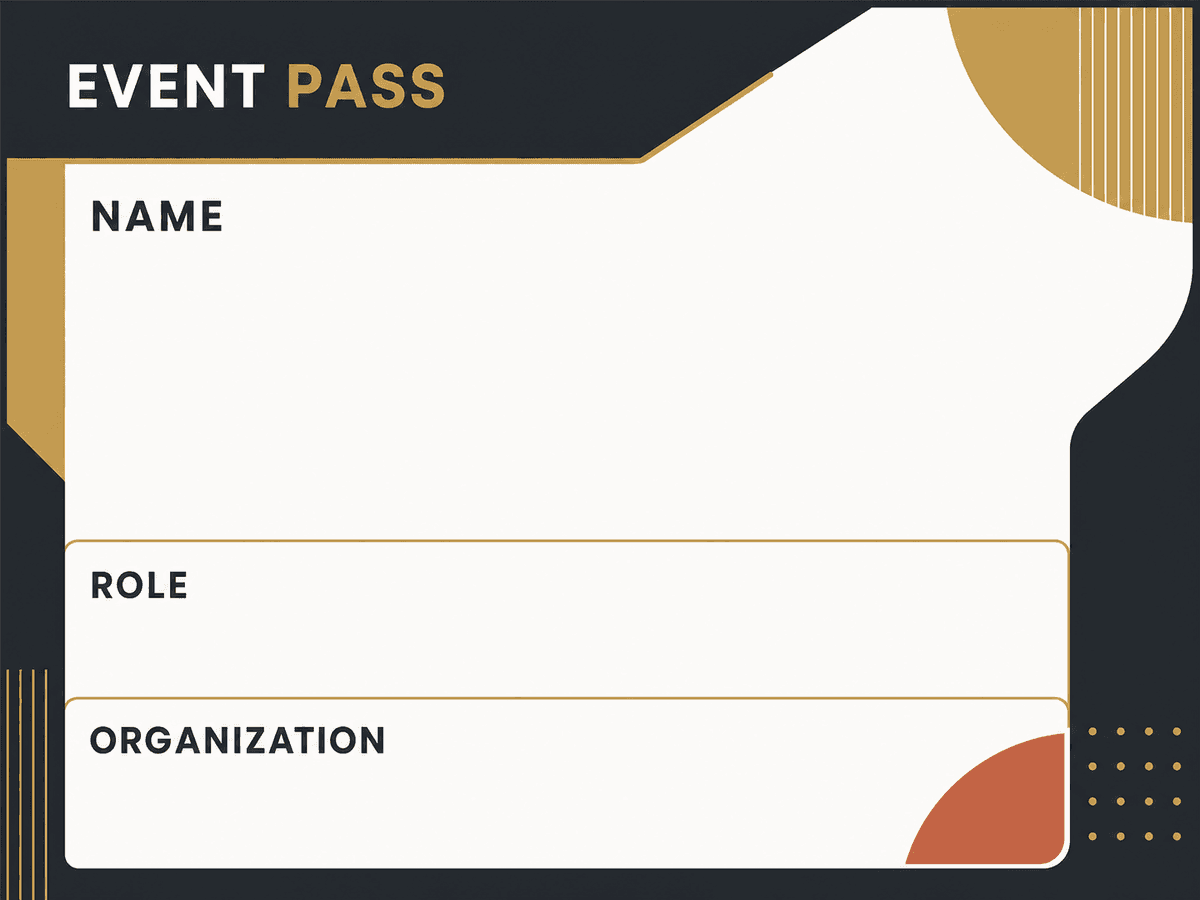
Workshop hosts
Training teams
Class coordinators
What it solves
Example CSV columns
Each column can become a text field on your design. You decide where it appears, how it is styled, and how overflow is handled before export.
Workflow
The same process works whether you start with a built-in design or upload your own PNG/JPG artwork.
Export the registration list as CSV from your form or spreadsheet.
Use a starter badge design or upload your own pass artwork.
Place participant, session, room, time, and pass-number fields.
Preview rows and export the finished pass PDFs.
Export options
Workshop pass sheets
Separate PDFs for late registrants
Class or session ticket PDFs
Questions
Yes. Export the responses or linked Google Sheet as CSV, then map the columns onto a pass design.
Yes. Any spreadsheet column can be placed on the pass, including room, time, session title, group, or pass number.
Yes. Create a CSV with just the late registrants and export those rows as a smaller batch.
More use cases
CSV certificate generator
Create personalized certificates from a CSV spreadsheet and a certificate design. Upload rows, place fields, preview names, and export PDFs in bulk.
Spreadsheet to event badges
Generate conference badges, meetup badges, and attendee passes from spreadsheet rows. Upload a CSV, map badge fields, and export printable PDFs.
CSV ID card maker
Create simple staff, student, club, or member ID cards from CSV rows and an image design. Preview fields and export personalized card PDFs.