Can I generate ID cards from member data?
Yes. If your member data is in a CSV, you can place each column on an ID-style card design and export PDFs.
CSV ID card maker
Batch, Please helps small teams create repeatable ID-style cards from a spreadsheet. Bring names, member numbers, roles, groups, or expiry dates in a CSV and place them onto an uploaded card design.
Clubs and associations
Small businesses
Schools and programs
What it solves
Example CSV columns
Each column can become a text field on your design. You decide where it appears, how it is styled, and how overflow is handled before export.
Workflow
The same process works whether you start with a built-in design or upload your own PNG/JPG artwork.
Prepare a CSV with one person or member per row.
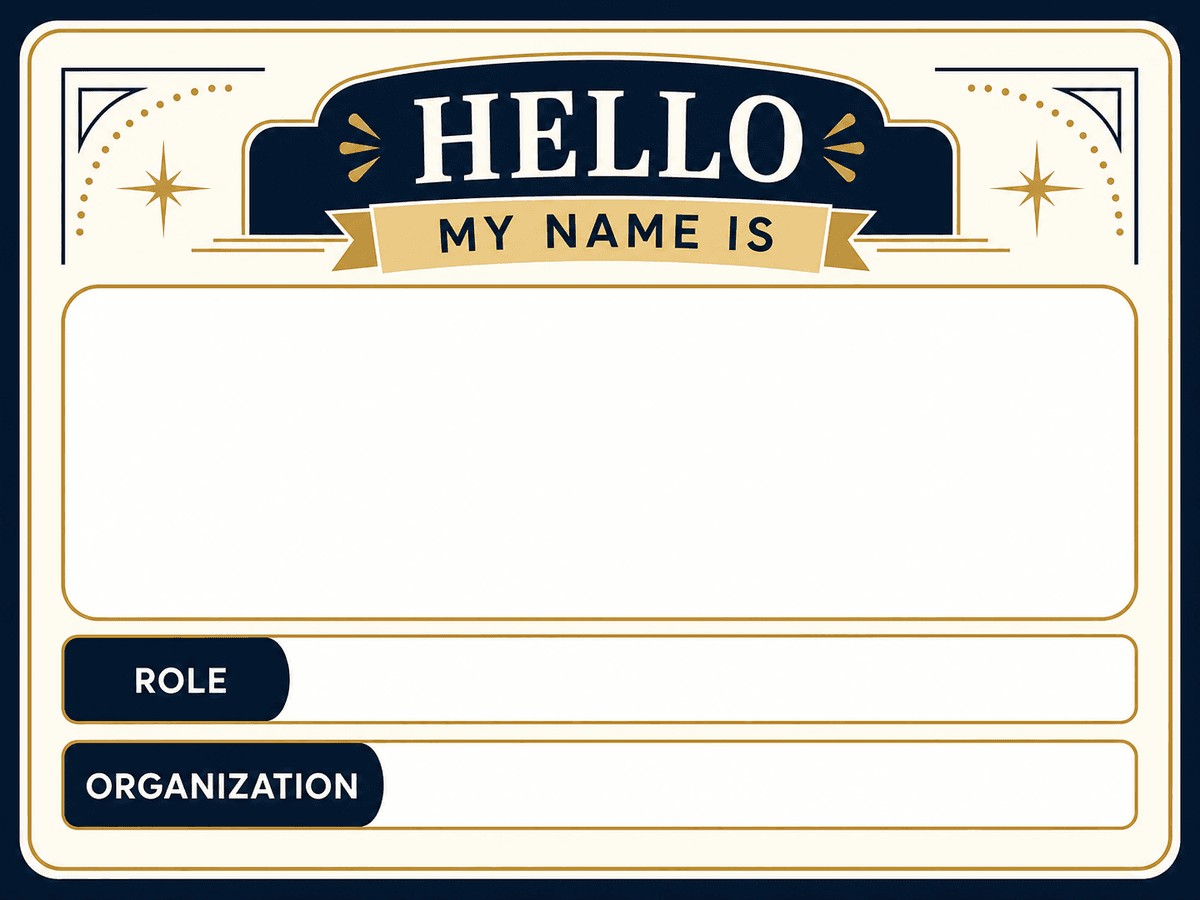
Upload a card background with blank spaces for the details.
Place name, ID, role, and expiry fields on the design.
Export one PDF per row or print multiple cards per sheet.
Export options
Member card PDFs
Student or staff ID-style cards
Print sheets for small cards
Questions
Yes. If your member data is in a CSV, you can place each column on an ID-style card design and export PDFs.
Uploaded spreadsheets and designs are never stored. A copy of the generated PDF or ZIP is kept privately for 7 days so misuse of this free tool can be investigated, then deleted automatically.
No. Current fields are text fields placed over a PNG or JPG design. Per-row photo merging is not supported.
More use cases
ID card generator
Make membership, staff, student, and event ID-style cards from an Excel, Google Sheets, or CSV list. Print at CR80 card size or several per sheet.
Event badge generator
Make printable event badges from an Excel, Google Sheets, or CSV attendee list. Choose a badge size, fit several per sheet, and reprint walk-ins in seconds.
CSV mailing label generator
Generate mailing labels, address labels, return labels, and simple label sheets from CSV data and a label design.