Can I use my own certificate design?
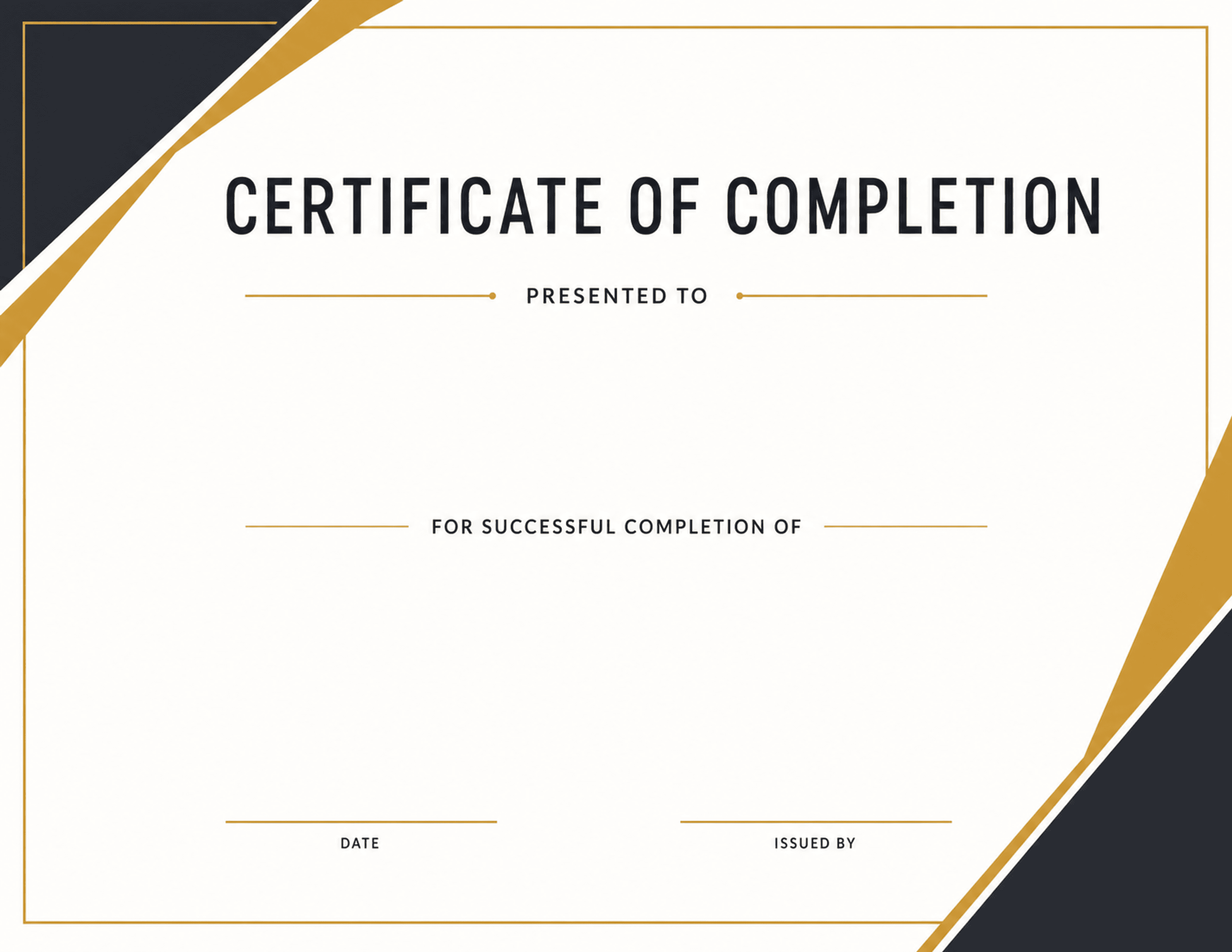
Yes. Upload a PNG or JPG certificate with blank spaces, then place CSV fields such as name, course, date, and award on top of it.
CSV certificate generator
Batch, Please turns a list of students, attendees, graduates, or award winners into finished certificate PDFs. Upload a CSV, choose a certificate design or bring your own PNG/JPG, place the fields, and export up to 500 certificates per batch.
Teachers and trainers
Course creators
Award coordinators
What it solves
Example CSV columns
Each column can become a text field on your design. You decide where it appears, how it is styled, and how overflow is handled before export.
Workflow
The same process works whether you start with a built-in design or upload your own PNG/JPG artwork.
Export your spreadsheet as a CSV with one recipient per row.
Choose a built-in certificate or upload your own certificate background.
Place name, course, date, and award fields where they belong.
Preview real rows and fix any text-fit warnings before export.
Export options
One combined certificate PDF
Separate certificate PDFs in a ZIP
Letter-size certificates from your own design
Questions
Yes. Upload a PNG or JPG certificate with blank spaces, then place CSV fields such as name, course, date, and award on top of it.
You can process up to 500 CSV rows per batch and export either one combined PDF or separate PDFs.
For simple certificate batches, yes. It is built for CSV-to-PDF personalization without Word mail merge, formulas, or account setup.
More use cases
Bulk certificate generator
Generate certificates in bulk from an Excel, Google Sheets, or CSV list. Up to 500 per batch as one combined PDF or separate files. Free, no account needed.
Excel to certificate PDFs
Turn an Excel spreadsheet into personalized certificate PDFs. Save the .xlsx as CSV, place your columns on a certificate design, and export the whole list.
Google Sheets to certificates
Turn a Google Sheet into personalized certificate PDFs. Download the sheet as CSV, place your columns on a certificate design, and export every row at once.