Can I make place cards from a guest list?
Yes. Save the guest list as CSV and map guest names, table numbers, and seating fields onto your card design.
Spreadsheet table cards
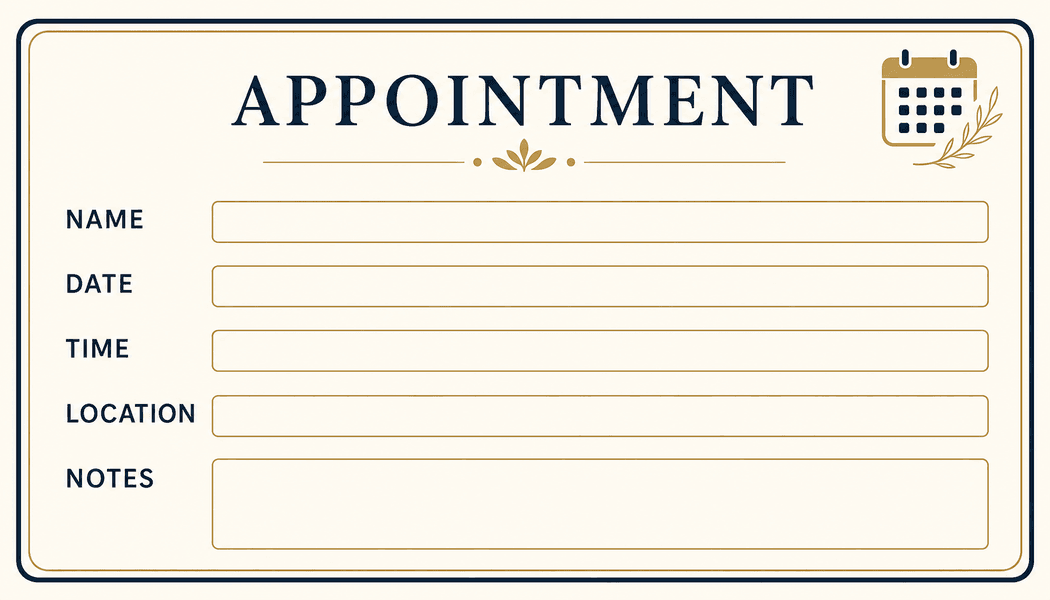
For dinners, fundraisers, weddings, workshops, and reserved seating, Batch, Please turns a guest or table spreadsheet into personalized card PDFs. Map guest names, table names, seat numbers, meal notes, or groups onto a card design.
Event planners
Venue teams
Community organizers
What it solves
Example CSV columns
Each column can become a text field on your design. You decide where it appears, how it is styled, and how overflow is handled before export.
Workflow
The same process works whether you start with a built-in design or upload your own PNG/JPG artwork.
Prepare a CSV from the final guest list or seating plan.
Upload a table-card, place-card, or tent-card image design.
Place guest, table, seat, and note fields on the design.
Export the cards as a combined PDF or a printable sheet.
Export options
Place-card PDFs
Table-card sheets
Separate files for last-minute changes
Questions
Yes. Save the guest list as CSV and map guest names, table numbers, and seating fields onto your card design.
Yes. Upload the revised CSV and regenerate the batch. Batch, Please is designed for repeatable spreadsheet-driven output.
It personalizes an uploaded image design. Prepare the tent-card artwork first, then use Batch, Please to fill the variable fields.
More use cases
CSV certificate generator
Create personalized certificates from a CSV spreadsheet and a certificate design. Upload rows, place fields, preview names, and export PDFs in bulk.
Spreadsheet to event badges
Generate conference badges, meetup badges, and attendee passes from spreadsheet rows. Upload a CSV, map badge fields, and export printable PDFs.
CSV ID card maker
Create simple staff, student, club, or member ID cards from CSV rows and an image design. Preview fields and export personalized card PDFs.