Can I make appointment cards from a schedule CSV?
Yes. Each row can become one card with fields such as client, date, time, provider, and location.
CSV appointment cards
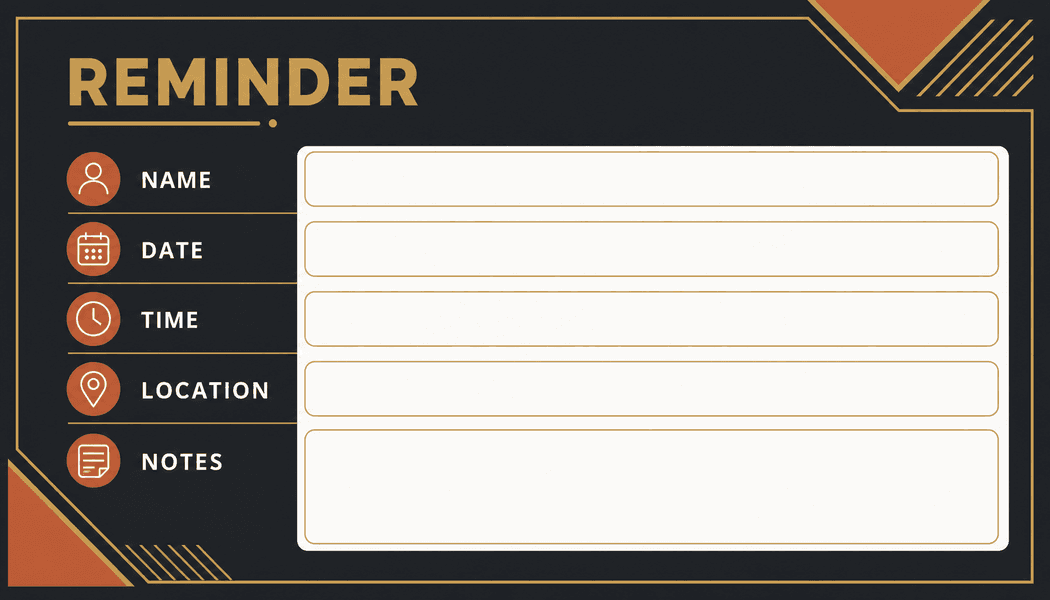
Batch, Please can turn a simple appointment CSV into personalized card PDFs for clinics, salons, service businesses, tutors, or community programs. Use your own card artwork or a starter design, then map schedule fields onto it.
Clinics and offices
Salons and service teams
Tutors and programs
What it solves
Example CSV columns
Each column can become a text field on your design. You decide where it appears, how it is styled, and how overflow is handled before export.
Workflow
The same process works whether you start with a built-in design or upload your own PNG/JPG artwork.
Export or prepare a CSV schedule with one appointment per row.
Choose an appointment-card design or upload your own card image.
Place client, date, time, provider, and location fields on the card.
Preview several rows to catch long names or location text.
Export options
Appointment-card print sheets
Separate PDFs for each appointment
Small card layouts with crop marks
Questions
Yes. Each row can become one card with fields such as client, date, time, provider, and location.
Yes. Upload a PNG or JPG card design and place the schedule fields where they should print.
Yes. Several-on-a-page export supports print-sheet layouts and crop marks for small cards.
More use cases
CSV certificate generator
Create personalized certificates from a CSV spreadsheet and a certificate design. Upload rows, place fields, preview names, and export PDFs in bulk.
Spreadsheet to event badges
Generate conference badges, meetup badges, and attendee passes from spreadsheet rows. Upload a CSV, map badge fields, and export printable PDFs.
CSV ID card maker
Create simple staff, student, club, or member ID cards from CSV rows and an image design. Preview fields and export personalized card PDFs.