What badge size should I use?
Match the insert size of the holders you bought — 4 × 3 in and 3.5 × 2.25 in are the common ones. You set the finished size in inches or millimetres, so any holder size works.
Event badge generator
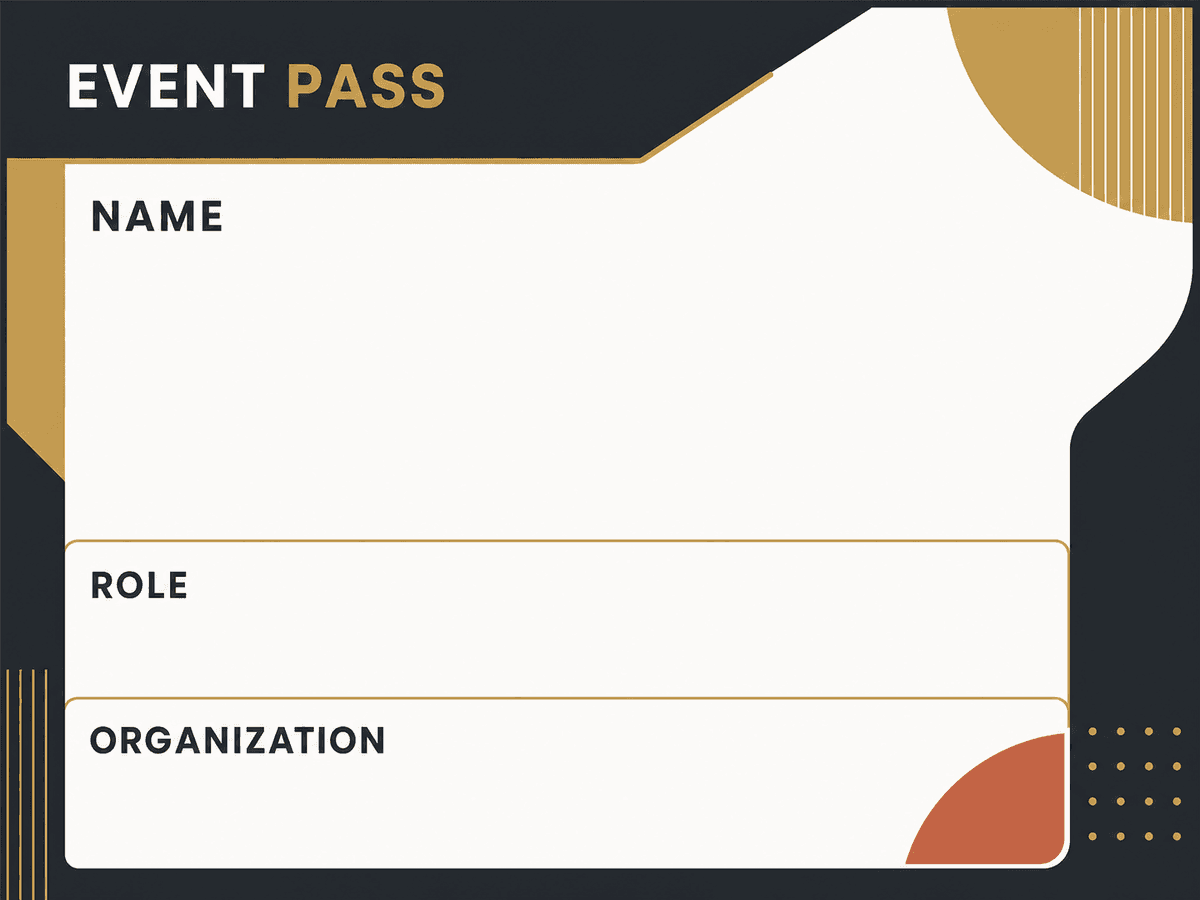
The badge itself is the easy part — printing four hundred of them, at the right size, in time for the doors opening, is not. Batch, Please takes your attendee export and produces sheets of badges sized to your holders, plus one-off reprints for the walk-ins who register at the desk.
Conference producers
Trade show teams
Registration desk staff
What it solves
Example CSV columns
Each column can become a text field on your design. You decide where it appears, how it is styled, and how overflow is handled before export.
Starting point
The upload accepts CSV files. Both Excel and Google Sheets save one in a couple of clicks — the details below are the parts that usually trip people up.
Workflow
The same process works whether you start with a built-in design or upload your own PNG/JPG artwork.
Download the attendee list from your registration tool, Excel, or Google Sheets as CSV.
Set the badge size to match your holders — 4 × 3 in and 3.5 × 2.25 in are common.
Place name, organization, ticket type, and track fields on the badge design.
Export several badges per sheet with crop marks, and print.
Export options
Badge sheets sized to your holders
Crop marks for clean trimming
Single-badge PDFs for walk-in reprints
Questions
Match the insert size of the holders you bought — 4 × 3 in and 3.5 × 2.25 in are the common ones. You set the finished size in inches or millimetres, so any holder size works.
Yes. Make a CSV with just that person, or a handful of them, and export a single badge. A one-row export downloads as a plain PDF rather than a ZIP.
Run one batch per design. Filter the attendee list by ticket type in your spreadsheet, export each filtered list as its own CSV, and pair it with that design.
More use cases
Spreadsheet to event badges
Generate conference badges, meetup badges, and attendee passes from spreadsheet rows. Upload a CSV, map badge fields, and export printable PDFs.
ID card generator
Make membership, staff, student, and event ID-style cards from an Excel, Google Sheets, or CSV list. Print at CR80 card size or several per sheet.
Spreadsheet workshop passes
Create workshop passes, class passes, and simple session tickets from spreadsheet rows. Upload a design, map fields, and export PDFs.